


Your site goes down at 3 a.m., visitors see a 503 error, and you only find out in the morning from an angry client message. Sound familiar? For a business, every hour of downtime means lost orders, lost leads and lost customer trust. The one fix for this headache is reliable hosting with guaranteed uptime, fast support and transparent infrastructure. This guide shows how to tell a genuinely stable provider from marketing packaging, so you make a choice you will not regret a year from now.
Reliable hosting: what it means and why your project needs it
When we talk about reliable hosting, we do not just mean a server that “works”. It is a set of technical and service characteristics that together form a stable foundation for any web project.
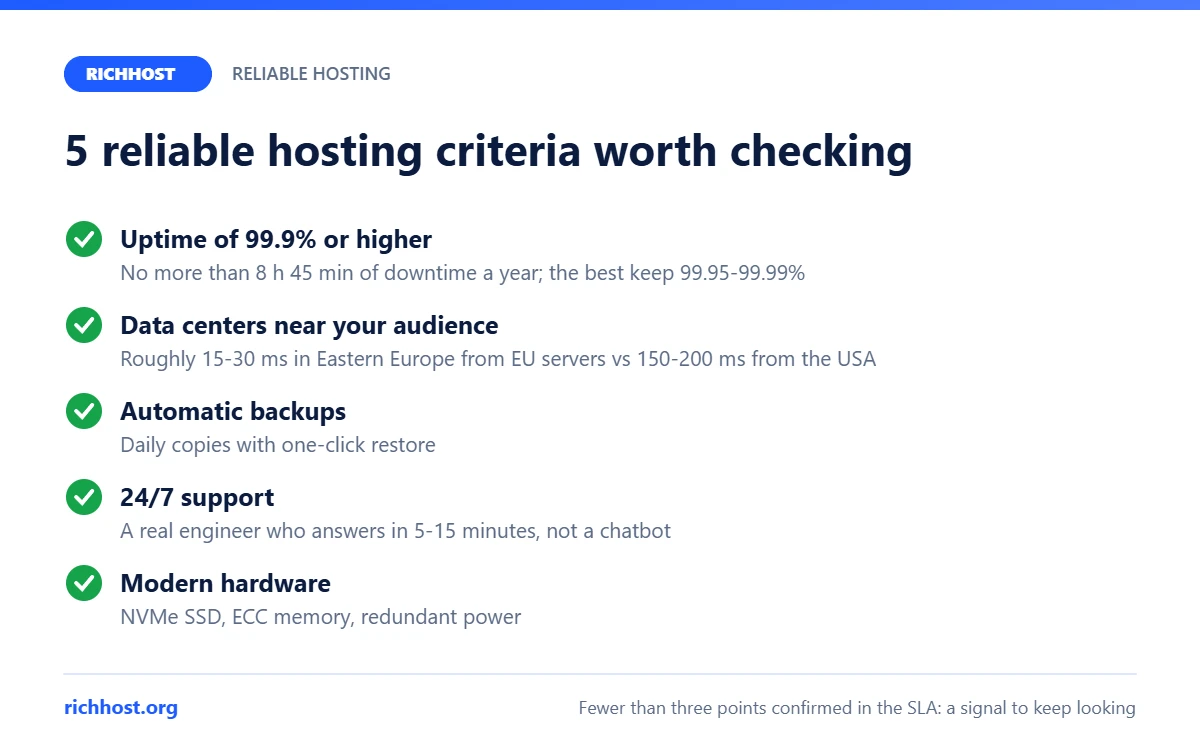
Here are the concrete criteria engineers and experienced webmasters use to judge hosting stability:
- Uptime of 99.9% or higher: this means no more than 8 hours 45 minutes of downtime per year. The best providers maintain 99.95-99.99%.
- Data center location: servers close to your audience keep latency low. For example, visitors in Eastern Europe get roughly 15-30 ms from servers in Germany, the Netherlands or Poland, compared with 150-200 ms from servers in the USA.
- Automatic backups: daily backups with one-click restore.
- 24/7 support: not a chatbot but a real engineer who answers within 5-15 minutes.
- Modern hardware: NVMe SSD drives, ECC memory, redundant power.
If a provider cannot confirm at least three of these five points with concrete numbers in its SLA (Service Level Agreement), that is your first signal to keep looking.
Benefits of stable hosting: list and comparison table
Why is choosing a quality hosting provider an investment rather than an expense? Here are the concrete benefits a site owner gets:
- Stable availability: visitors always see your content, not an error page. If Googlebot frequently gets 5xx errors, it crawls the site less often, and a long outage can lead to pages dropping out of the index.
- Fast page loads: NVMe drives and HTTP/3 help keep TTFB (Time to First Byte) within 200 ms. According to an Akamai report (2017), even a 100 ms delay can reduce conversions by 7%.
- Protection against attacks: network-level DDoS filtering, a WAF (Web Application Firewall), account isolation.
- SEO advantage: since 2021 Google has used Core Web Vitals as part of its page experience signals, and server speed directly affects LCP.
- Scalability: the ability to add resources without migration or downtime as traffic grows.
- Saved time and nerves: you run your business instead of exchanging messages with tech support.
| Parameter | Cheap hosting | Reliable hosting |
|---|---|---|
| Uptime | 95-99% | 99.9-99.99% |
| Downtime per year | up to 18 days | under 9 hours |
| Disk type | HDD or SATA SSD | NVMe SSD |
| Backups | weekly or none | daily, kept 14-30 days |
| Support | tickets, reply in 24-48 h | chat + phone, reply in 5-15 min |
| DDoS protection | basic or none | multi-layer filtering |
| Monthly cost | $1-3 | $5-25 |
| Real cost including downtime | $100+ (lost profit) | $5-25 (predictable) |
As you can see, the price gap between a cheap and a stable option is only a few dollars a month. The gap in results is thousands of dollars of lost or saved profit.
How to choose reliable hosting: a 6-step guide
Choosing reliable hosting is not about comparing three price lists and clicking “Buy”. It is a structured process, and here is how to do it right:
Step 1. Define your project’s needs. A small WordPress blog needs shared hosting with 5-10 GB of SSD space. An online store with 5,000+ products needs a VPS or a cloud server with at least 4 GB of RAM. Estimate your expected traffic: up to 1,000 visitors a day, shared hosting is enough; from 1,000 to 10,000 you need a VPS; above 10,000 you will need a dedicated server or the cloud.
Step 2. Check real uptime. Do not trust the numbers on the provider’s website. Use independent monitoring services: UptimeRobot, HetrixTools, StatusCake. Look for reviews on Trustpilot and in specialist communities and forums. If uptime has been below 99.9% over the last 6 months, it is not your option.
Step 3. Test the speed. Ask for a trial account or use the money-back guarantee (usually 30 days). Install your site and run it through GTmetrix, PageSpeed Insights and Pingdom. Pay attention to TTFB: for visitors in your target region it should be under 300 ms.
Step 4. Evaluate support before you buy. Send a technical question to the support chat and time the reply. If you wait more than 30 minutes for a simple hello, imagine what will happen during a real outage at 2 a.m.
Step 5. Study the SLA and refund terms. The SLA should spell out guaranteed uptime, compensation for downtime and the provider’s liability. If there is no SLA, that is a serious red flag.
Step 6. Check scalability. Your project will grow. Find out whether you can move from shared hosting to a VPS without migration and whether resources can scale automatically. The best hosting providers let you add RAM, CPU and disk in a few clicks in the control panel.

Reliable hosting checklist: SLA uptime, backups, DDoS, support, data centers
Reliability is not visible on a provider’s home page: it shows in the documents and in how the hosting behaves during failures. Go through this checklist before you pay:
- SLA uptime of 99.9% or more: the guarantee must be written into the contract together with compensation for downtime, not just stated in ads.
- Automatic backups: at least several times a week, with copies on another server or in another data center, and with self-service restore.
- DDoS protection: filtering at the provider’s network level; for sites at risk of attacks, the option to connect Cloudflare.
- 24/7 support: live engineers in chat, tickets or by phone, not just a bot and business hours.
- Data centers: close to your audience, ideally with a choice of location and backup power.
- Modern hardware: NVMe or SSD, current versions of PHP and the database server.
- Trial or refund: so you can test all of this on your own site before a long prepayment.
How providers describe reliability: comparison as of October 2026
We list only what is stated in the providers’ public terms. Where there is no information, the cell says “not stated”: that is a signal to ask support. The first four providers are popular with site owners in Ukraine; Hostinger operates worldwide.
| Provider | Stated uptime | Backups | DDoS protection | Data centers | Support | Trial / refund | Infrastructure |
|---|---|---|---|---|---|---|---|
| HOSTiQ | 99.9% (shared hosting) | every 3 days, daily on VIP | not stated on the pricing page | Lviv, Rotterdam, Atlanta | technical email 24/7, chat 8:00-24:00 | 30 days / 30 days | SSD, cPanel |
| BestHosting | not stated | separate backup hosting service | not stated | own data center in Ukraine, Europe | 24/7, 0800 hotline | 7 days / 30 days | SSD and NVMe, DirectAdmin |
| ukraine.com.ua | not stated on the pricing page | daily, full weekly copy in Germany | yes | own data center in Ukraine | 24/7 | 5 days / 30 days | NVMe, own panel |
| HostPro | not stated | daily, in different data centers | Anti-DDoS, Cloudflare | Ukraine, Poland, Netherlands, USA | 24/7 | 5 days / 30 days | SSD, cPanel |
| Hostinger | 99.9% | weekly on Premium, daily on higher plans | not stated on the pricing page | several regions worldwide | 24/7 | none / 30 days | SSD and NVMe, hPanel |
| RichHost | ask support | continuous cloud backups | basic L3-L7 protection included free; L7 WAF from $9 per month | 4 Tier III data centers: Helsinki, Warsaw, Paris, USA | daily 10:00-20:00 (Kyiv time) | trial in the control panel / 14-day money-back guarantee | NVMe, own panel with AI assistant, free SSL, SSH, all PHP versions |
Takeaway from the table: even with large providers, some reliability parameters have to be clarified with support or in the contract. Ask specific questions: what uptime the SLA guarantees and what compensation applies, where backups are stored and for how many days, how DDoS attacks are filtered. Keep the answers in writing. How SLA terms and compensation work for business sites is covered in our guide to corporate hosting and SLAs.
Two providers in the table run their own data centers in Ukraine. We looked at one of them in detail: our ukraine.com.ua hosting review covers its plans, prices and VPS options.
Reliability does not have to be expensive: stable shared hosting costs a few dollars a month, and the full price calculation including renewals is in our guide to web hosting cost. If your audience is in Ukraine, what to check separately, including where the servers physically are, is covered in our guide to hosting for Ukrainian websites. And if you need shared hosting on NVMe with our own control panel and its AI assistant and servers in Europe and the USA, see the RichHost plans from $8 per month.

Reliable hosting FAQ
How much does reliable hosting cost in 2026?
As of October 2026, quality shared hosting costs roughly $3-10 per month (RichHost from $8, and 10% less with yearly payment), a VPS with guaranteed resources roughly $10-25 and up, a dedicated server from $40-50. The price depends on resources, data center location and support level. A very cheap plan often means an overloaded server, so count not only the price but also possible losses from downtime.
How can I check that a host is truly reliable and not just well advertised?
Three proven ways: 1) check reviews on independent platforms (Trustpilot, G2); 2) set up free uptime monitoring with UptimeRobot on a test account; 3) ask support for the SLA document with concrete uptime and compensation figures. If the provider dodges the question, that is an answer in itself.
Does reliable hosting affect Google rankings?
Yes, and Google has confirmed it officially. Since 2021 Google has used Core Web Vitals as a ranking factor. Loading (LCP), interactivity (INP) and visual stability (CLS) depend directly on the quality of the server infrastructure. A fast server alone does not guarantee top positions, but a slow TTFB worsens LCP, and frequent outages prevent Google from crawling the site.
What if my current hosting is unreliable but I am afraid of migrating?
Most quality providers offer free migration. Their technical team moves your site without downtime, usually within 2-24 hours. You only need to provide access to the old account. A careful hosting migration carries minimal risk, while the risk of staying on unstable hosting is very real and is measured in lost money.
Shared, VPS or cloud: which hosting type is the most reliable?
Each type can be reliable when configured correctly. Shared hosting suits sites with up to 1,000-2,000 visitors a day. A VPS gives isolated resources and more control. Cloud hosting provides maximum fault tolerance by distributing the load across several servers. Choose the type according to the scale of your project, not on the principle that “more expensive means better”.
What is an SLA and what uptime is normal?
An SLA (Service Level Agreement) is a contract in which the provider fixes guaranteed uptime and compensation for breaching it. 99.9% means up to 8 hours 45 minutes of downtime per year, 99.95% up to 4 hours 22 minutes, 99.99% up to 52 minutes. It also matters what exactly counts as downtime and whether scheduled maintenance is included, so check both points in the agreement.
What is secure hosting?
Secure hosting is not a separate plan but a set of practices: free SSL, account isolation, antivirus and WAF, DDoS filtering, backups stored outside the main server, two-factor authentication in the panel and regular software updates. What you can check yourself is explained in our article on common server security holes.
Time to choose reliable hosting for your site
If you have read this far, you already understand: reliable hosting is not a luxury but the foundation your entire online business rests on. Every minute of downtime means lost money, damaged customer trust and slipping Google rankings.
Take the first step right now: audit your current hosting against the criteria in this article. Check uptime, measure speed, contact support with a test question. If the results do not satisfy you, use our guide to choosing a hosting provider and pick a stable solution that works for your business, not against it. Don’t put it off: the next outage could happen today.


