


Picture it: Monday morning, your coffee is still hot, and your website is already down. Not because the server crashed. Not because someone hacked it. The company you bought the domain from three years ago has simply ceased to exist. Quietly, with no warning and not a single email. The domain is stuck in limbo, the DNS records have turned into ghosts, and Google is gradually dropping you from its results. Sounds like a horror film? For many site owners it is an entirely real scenario.
Let’s look at what actually happens when a registrar leaves the market and, more importantly, how to make sure your business does not suffer from it.
Why registrars disappear and who gets hurt
A domain registrar is not an eternal institution. It is a business, and businesses close, merge, go bankrupt or simply give up. ICANN regularly revokes the accreditation of registrars that break the rules, and some of them managed hundreds of thousands of domains.
How does it work? When ICANN or a national registry (the operator of a country-code zone) revokes accreditation, the domains are handed over to another registrar. In theory. In practice, things go in different ways:
- Best case: the domains are moved in bulk to another accredited registrar, you get an email and carry on working.
- Middle case: the transfer drags on for weeks, DNS records are lost, and the website and email stop working.
- Worst case: the registrar has vanished together with access to the control panel, and you cannot even prove that the domain is yours.
Who suffers most? Small businesses. Freelancers. People who once asked “a guy they know” to register a domain and never gave it another thought. If you do not know who your registrar is, that is already the first red flag.

You do not own your domain (and that comes as a shock)
Here is a fact that surprises many people: you do not own a domain, you rent it. The annual fee is not a purchase but a renewal of the lease. The registrar is an intermediary between you and the registry (Verisign for .com, the national registry for a country-code zone, and so on).
Think of a flat you rent through an agency. If the agency closes, the flat does not disappear. But your keys have been taken away, and nobody has appointed a new agent. You are left standing outside the door of your own business.
The biggest mistake domain owners make is treating registration as a one-off task. A domain needs the same regular audits as a server or an SSL certificate.
That is why it is critical to understand the chain: you → registrar → registry → ICANN/IANA. If one link drops out, the whole structure starts to wobble.
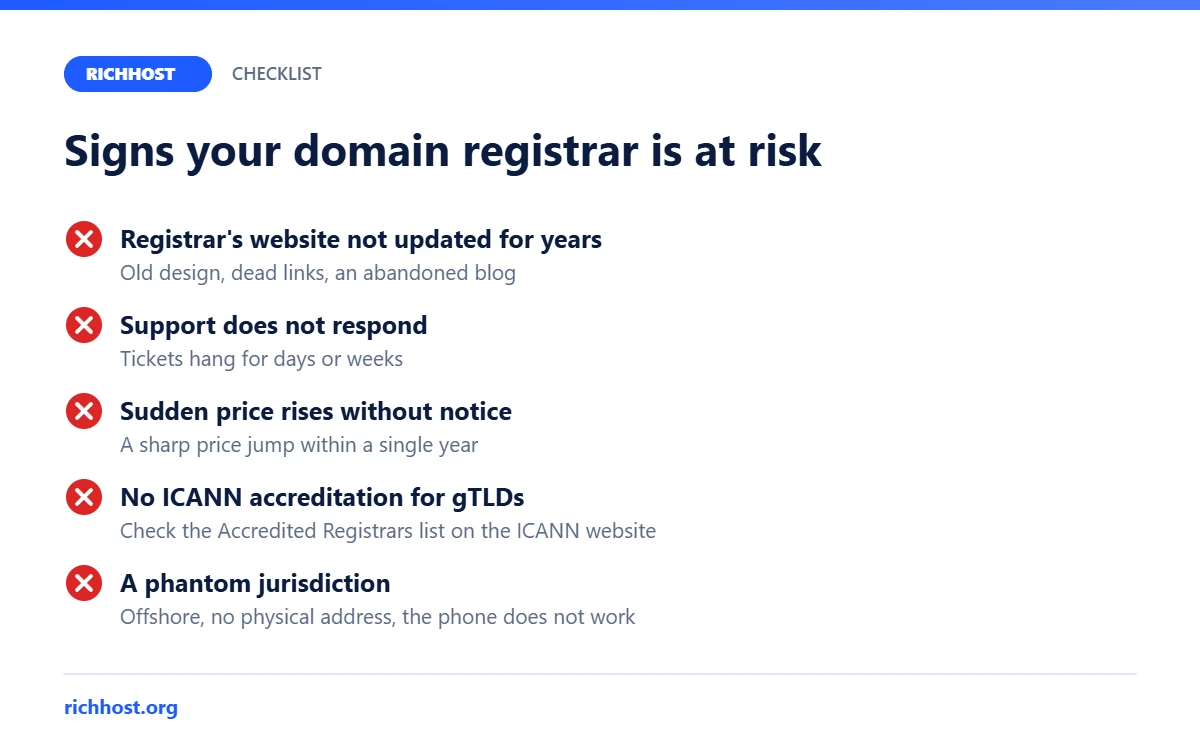
Signs that your registrar is at risk
Don’t wait for trouble to knock on the door. There are very concrete signals that something is wrong with your registrar:
- The registrar’s website has not been updated for years. A design from 2015, dead links in the footer, a blog nobody writes: that is not nostalgia, it is a sign of neglect.
- Support does not respond. A ticket has been open for three days? Five? A week? Run.
- Sudden price changes without notice. A 200-300% increase within a single year is a classic move by a company squeezing out the last money before it closes.
- No ICANN accreditation for gTLDs. Check the Accredited Registrars list on the ICANN website. If your registrar is not on it, that is a serious problem.
- A phantom jurisdiction. The company is registered offshore, there is no physical address and the phone does not work. You get the idea.
Run this check right now. Seriously. Open a new tab and look up your registrar. I’ll wait.
What exactly happens to DNS if the registrar disappears
Here is the technical part that explains why everything breaks. DNS works through a hierarchy of servers. When you register a domain, the registrar sets the NS records (nameservers) at the registry. Those NS records point to the DNS servers that hold your A, MX and CNAME records and everything else.
If the registrar used its own DNS servers (and many do), they will be switched off together with the company. The result:
| What breaks | How soon | Consequences |
|---|---|---|
| Website (A records) | 1 to 48 hours (depending on TTL) | Visitors see an error, SEO rankings drop |
| Email (MX records) | 1 to 24 hours | Emails do not arrive or bounce back, customers are lost |
| Verifications (TXT records) | Immediately, at the next check | SPF/DKIM break, emails land in spam |
| Subdomains (CNAME) | 1 to 48 hours | API, CDN, services on subdomains: all dead |
Now imagine this happening to an online shop in the middle of the sales season. Or to the business email of a 50-person company. Every hour of downtime costs real money.
Plan B: how to protect your domain before anything happens
The good news: protecting yourself is not hard. You just have to do it before the disaster, not after. Here is a concrete plan:
Step one: use third-party DNS servers. Don’t tie yourself to the registrar’s DNS. Cloudflare (free), AWS Route 53, Google Cloud DNS: any of these services will keep working whatever happens to your registrar. It is like leaving a spare set of keys with a trusted neighbour.
Step two: turn on Domain Lock. Most registrars support the clientTransferProhibited status. It stops anyone from transferring your domain without your explicit permission.
Step three: keep the auth code (EPP code). This is the password for transferring a domain. Generate it in advance and store it in a password manager. If the registrar suddenly disappears, this code may be your only lifeline.
Step four: document everything. Screenshots of the WHOIS data, payment receipts, correspondence with support. If you ever have to prove to ICANN that the domain is yours, you will need evidence. Export a copy of your DNS zone as well, including the SPF, DKIM and DMARC records, so you can recreate it at another DNS provider.
Step five: keep your domain and your hosting with different companies. If one of them disappears, the other keeps working. Diversification, just like in investing.
- DNS on Cloudflare or an equivalent: independence from the registrar
- Auth code stored separately: an emergency transfer remains possible
- WHOIS data up to date: the confirmation email address actually works
- Auto-renewal switched on: the domain will not lapse because of a forgotten payment

Domain transfer: a lifeline you need to know how to throw
If you feel your registrar is unreliable, move your domain. Now. Not tomorrow, not “when there’s time”. The transfer procedure for gTLD domains (.com, .net, .org) is standardised by ICANN and usually takes 5 to 7 days (it depends on the zone and is sometimes longer):
- Remove the Domain Lock at the old registrar.
- Get the auth code (EPP code).
- Start the transfer at the new registrar and enter the code.
- Confirm the transfer through the email address listed in WHOIS.
- Wait for it to complete (usually 5-7 days for gTLDs, sometimes longer; country-code domains such as .ua follow a different procedure).
Every step, the timelines and the typical mistakes are covered in detail in our guide to transferring a domain to another registrar.
Country-code domains play by their own registry’s rules. For Ukrainian .ua and .com.ua domains, for example, the registry is run by Hostmaster, and a transfer between registrars requires an application through the new registrar confirmed by the domain administrator. Note: if your contact details in the registry are out of date, you risk losing control of the domain.
A separate point: premium domains and domains with a history. If you own a domain that is 10-15 years old and has a good SEO reputation, losing it will cost far more than the $10-15 registration fee. A veteran domain is an asset and deserves to be treated as one.
Are you really ready for your registrar to disappear?
A typical scenario: a company with a turnover in the millions keeps its critical domains with a little-known registrar, without auto-renewal, without saved auth codes and with DNS on that same registrar’s servers. All the eggs in one basket, and the basket is sitting on the edge of the table.
Spend 30 minutes today. Check where your domain is registered. Save the auth code. Move DNS to an independent service. Update your WHOIS contact details. Those 30 minutes are the smartest insurance your online business can buy.
And now, honestly: are you sure you know exactly where your main domain is registered? And does the mailbox that will receive the transfer confirmation actually work? If you had to stop and think, it is time to act.


